
Your site gets little traffic from search
Low organic traffic almost always traces back to one root cause: the pages on the site are not built around the words people actually type into a search box. A site can have well-written pages, fast load times, and clean code and still rank for almost nothing if its titles, headings, and body copy are organized around internal jargon or vague category names instead of real queries.
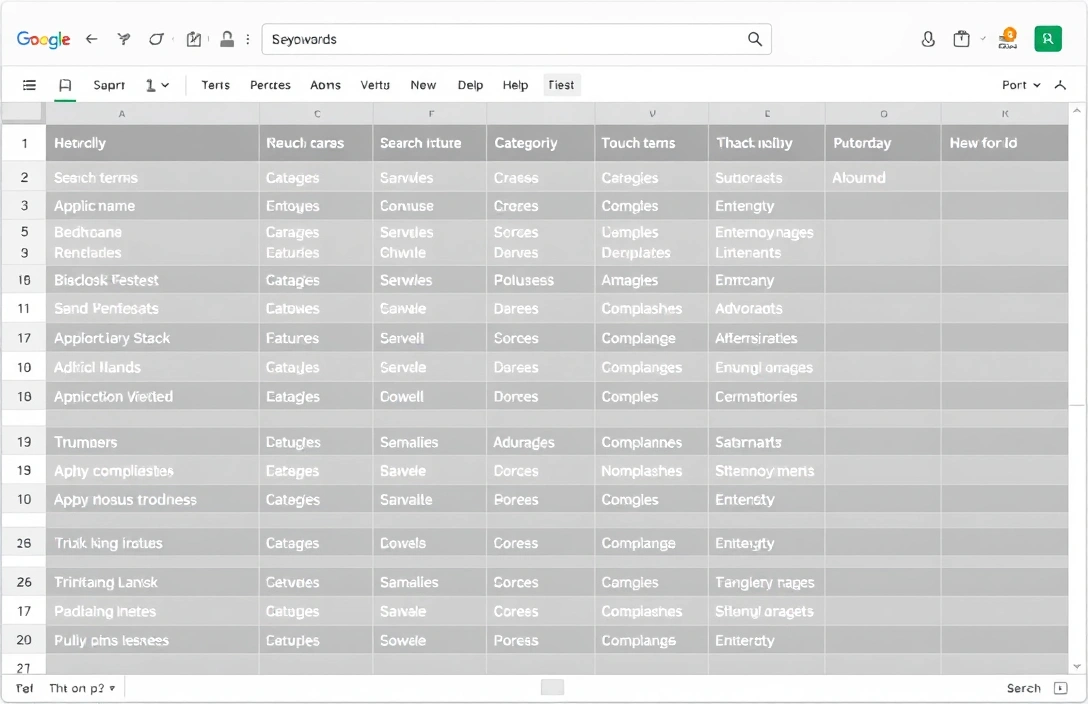
The fix starts with keyword research, not with a content rewrite. Before touching a single page, pull a list of the actual search terms, their approximate monthly volume, and what a searcher expects to find when they type each one — a how-to article, a product page, a comparison, a local listing. Free tools can get a beginner most of the way there: Google Search Console shows which queries already bring impressions to the site (even at low rankings), and Google Keyword Planner and Google Trends show volume and seasonality for terms not yet in the mix, a combination TechTarget's roundup of free keyword research tools walks through in more detail.
Once the keyword list exists, the order of operations is:
- Group the keywords by the intent behind them (informational, transactional, navigational, comparison).
- Match each group to an existing page, or flag it as a page that doesn't exist yet.
- Rewrite the title tag, H1, and first paragraph of each matched page around its primary term and two or three close variants.
- Rework subheadings and body copy so the secondary keywords appear where they fit naturally, not stuffed in.
- Re-check Search Console four to six weeks later for movement in impressions and average position before making a second round of changes.
That last step matters more than it looks. Ranking changes after an on-page edit are not instant — search engines have to recrawl the page, re-evaluate it against competing pages, and that cycle commonly takes weeks rather than days. Judging a change after four or five days just measures noise.
Ecommerce product pages compete for transactional queries
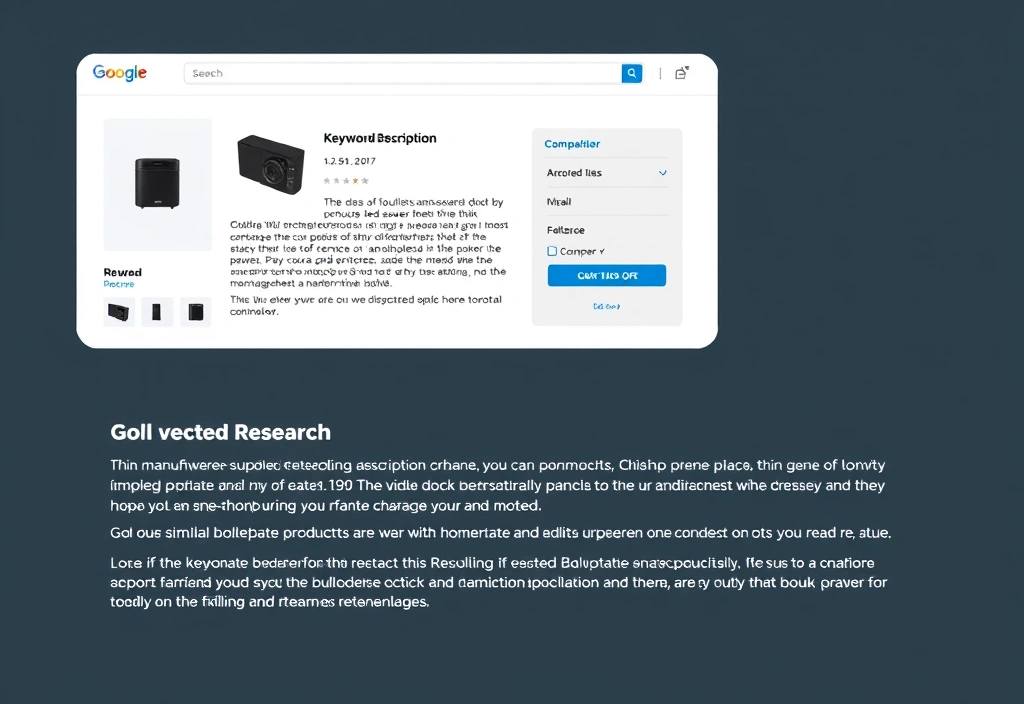
Thin, manufacturer-supplied product descriptions are the most common reason a product page can't compete for the transactional keywords that would actually convert. If ten other retailers sell the identical item with the identical boilerplate copy, a search engine has very little in that page's own text to use as a ranking signal — everything that differentiates the page is layout, not content.
Two changes address this directly:
| Element | What's typically there | What it should become |
|---|---|---|
| Product description | Manufacturer copy, duplicated across retailers | Unique copy built around the actual search terms buyers use (size, use case, comparison terms) |
| On-page content volume | A few lines, no updates | Customer reviews and Q&A, which add fresh, keyword-rich text on a recurring basis |
| Category pages | A grid of products, minimal text | A short intro paragraph targeting the category-level keyword plus filters that match how people actually search (by size, material, price band) |
Customer reviews do double duty: they give the page new text that a search engine recrawls over time, and they tend to surface the exact phrases customers use when describing the product — phrases that often differ from the retailer's own internal naming. That's a direct keyword-research input the store doesn't have to go looking for; it accumulates on its own once reviews are enabled. Treating reviews and original descriptions as part of the SEO workflow, not just as merchandising decoration, is the difference between a category page that only ranks for its exact product name and one that ranks for the broader terms that bring in new shoppers.
Good content exists but still does not rank
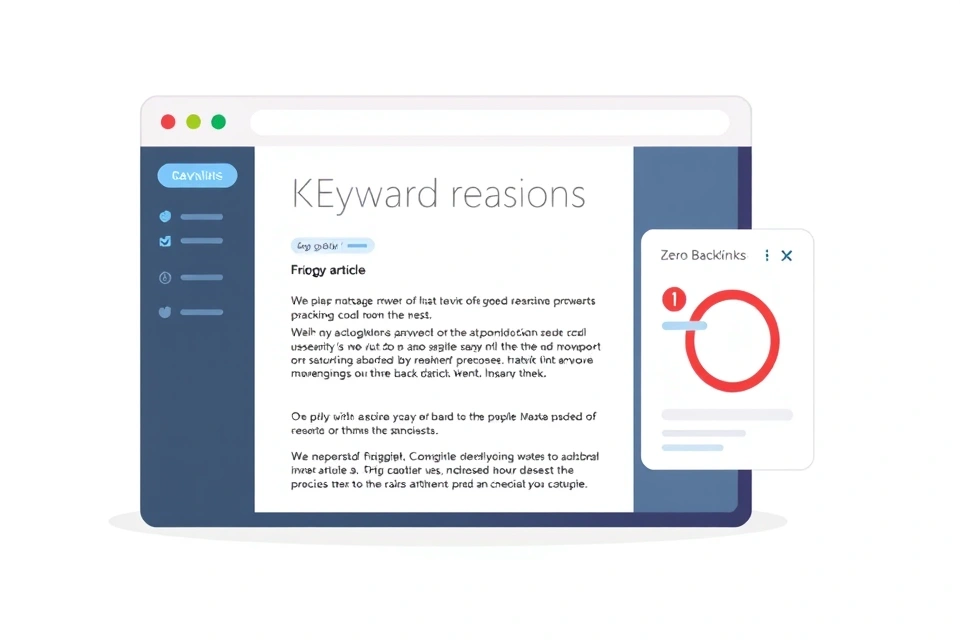
A well-researched, well-written page that sits at zero traffic almost always has a links problem, not a content problem. Search engines use links — both the links pointing to a page from elsewhere on the same site and links from other sites entirely — as one of the main signals for how much weight to give a page relative to others competing for the same terms. A page with no incoming links, internal or external, has to compete purely on content relevance against pages that have both relevance and link signals behind them.
Two levers move this:
- Internal linking. Every new page should be linked to from at least one existing, already-indexed page using descriptive anchor text that matches the keyword the new page targets. This gives search engines a path to find the page and a hint about what it's about.
- Promotion. Sharing new content through social channels, email lists, or relevant communities doesn't create ranking-grade links directly in most cases, but it generates the visibility that leads to other sites linking to the content organically, which is the signal that compounds over time.
Publishing is necessary but not sufficient. A piece of content with zero links is invisible to the part of the system that decides relative importance between competing pages, no matter how well it answers the query.
What keyword research actually is
Keyword research is the process of identifying, before writing a word of content, which terms real users type into a search engine when looking for something a given page could answer. It sits upstream of everything else in SEO: the title, the headings, the structure of the page, and even what the page is about should come out of this process rather than being decided first and checked against keywords afterward.
A few terms are worth separating clearly, since they get used loosely elsewhere:
- Keyword — the specific query term or phrase a page is built to be matched against (e.g., "waterproof hiking boots women's").
- Ranking — the position a given page holds on the results list for one specific keyword at one point in time; a site doesn't have "a ranking," it has a different ranking for every keyword it's matched against.
- Search intent — what the searcher actually wants when they type that phrase, independent of the exact words used. "Waterproof hiking boots women's" signals someone close to buying; "how waterproof are hiking boots" signals someone still researching. The same keyword string with a different intent behind it calls for a different kind of page.
Sorting a keyword list by intent before writing anything is the step most DIY approaches skip. A checklist built around this idea — tag each keyword as informational, transactional, navigational, or commercial-investigation before assigning it to a page — is laid out in Plerdy's keyword research checklist, and it's a useful gate to run a keyword list through before any page gets built or rewritten around it.
On-page, off-page, and technical SEO — which problem do you actually have
These three categories describe three different failure modes, and a beginner needs to know which one they're diagnosing before picking a fix.
| Category | What it covers | Symptom when it's broken |
|---|---|---|
| On-page | Title tags, headings, body copy, keyword placement, internal links on the page itself | Page exists and is indexed but ranks for the wrong terms, or ranks low for the right ones |
| Off-page | Backlinks from other sites, brand mentions, social signals | Page is well-optimized but still outranked by less-optimized competitors |
| Technical | Crawlability, site speed, mobile rendering, indexing status, duplicate content, broken redirects | Page doesn't show up in search at all, or impressions in Search Console are near zero even though the page is live |
A site with a technical problem — a page blocked by robots.txt, a redirect loop, duplicate content canonicalized to the wrong URL — will not improve no matter how much keyword research goes into the on-page copy, because the page may not even be indexed. Checking Search Console's coverage report for indexing errors is the fastest way to rule technical issues in or out before spending time on keywords at all.
How a search engine decides what to show
Three steps happen before any keyword research matters: crawling, indexing, and ranking. A search engine's crawler follows links to discover a page, indexing stores a processed copy of that page's content in the engine's database, and ranking is the separate process that runs at query time, comparing every indexed page that could plausibly match a search term and ordering them into the results list — the SERP.
Keyword research works because it predicts what will happen at that third step. A keyword list built from real search volume is really a list of queries the ranking system will be asked to answer; matching a page's title, headings, and content to those terms increases the chance the system judges the page relevant when that comparison happens. A page can be perfectly written and still never reach that comparison if it was never crawled or never made it into the index — which is why technical checks come before content checks in any sane diagnostic order.
Organic visibility — how often and how high a site's pages appear across the queries it competes for — is the aggregate outcome of all of this working correctly: discoverable (crawled), stored (indexed), and judged relevant and authoritative enough (ranked) for the terms that matter. It's worth separating this explicitly from paid placement: a site can buy its way to the top of a results page through paid search ads, but that spend buys nothing in the organic listings below it. Keyword research for SEO and keyword research for a paid campaign use overlapping data but serve two separate, non-interchangeable goals.
A first SEO pass, done with free tools only
A beginner doesn't need a paid tool subscription to run a first, useful pass. The sequence below uses only free resources and produces a working keyword list and a prioritized page list in one sitting.
- Pull existing query data from Google Search Console — this shows terms the site already gets impressions for, including ones ranking on page two or three that a small push could move up.
- Expand that list with Google Keyword Planner and Google Trends for volume and seasonal patterns on terms the site doesn't rank for yet, as Databox's guide to free keyword research tools describes for a blog-content use case.
- Check "People also ask" and autocomplete suggestions directly in the search results for long-tail phrasing and question-based variants.
- Sort the full list by intent (informational vs. transactional) and match each term to an existing page or a gap.
- Prioritize gaps by estimated volume against realistic competition — a term a small, newer site can plausibly rank for beats a high-volume term dominated by established domains.
- Rewrite or create the top three to five priority pages, then wait a full measurement cycle before judging results.
Combining Search Console with AnswerThePublic-style question tools, as TechTarget's list of free options and Search Logistics' roundup of free keyword tools both cover, is usually enough coverage for a first pass — paid tools add competitive gap analysis and historical trend depth, but they're not required to get started.
Is SEO still worth it with AI answers in the results
AI-generated answer summaries sitting above the traditional results list change where clicks go, but they don't eliminate the value of ranking well — they raise the bar for what earns a click below them. Queries that an AI summary fully answers (simple definitions, quick conversions, single facts) will see fewer clicks reach any website at all, regardless of ranking position, because the searcher's need is satisfied on the results page itself.
Queries that require comparison, nuance, local specificity, or a transaction still route traffic to individual sites, because an AI summary isn't positioned to complete a purchase or verify a local business's hours and availability. The practical adjustment for keyword research is intent-based: deprioritize chasing simple, fact-lookup keywords where an AI answer box is likely to intercept the click, and weight transactional and comparison-heavy keywords more heavily, since those are the categories where a ranked page still captures the visit.
What to measure, and how long to wait
A baseline has to exist before any change can be judged. Pull current organic traffic, impressions, and average position for the target pages from Search Console and Analytics before making any keyword-driven edit — without that starting point, a later increase can't be attributed to anything.
After an on-page change, give it a full recrawl-and-reassessment cycle before checking results — this is commonly a matter of weeks, not days, since it depends on how often the specific page gets recrawled and how competitive the keyword is. After a links-based change (new internal links, new backlinks, outreach), allow longer, since off-page signals tend to accumulate rather than register in one visible jump. Checking too early just measures crawl lag, not the effectiveness of the change itself.
Start the next keyword list from whichever of the three diagnostics above matches the current symptom — low overall traffic, non-ranking product pages, or good content with no links — and work through its checklist in order before moving to the next one.